
Play Angry Balls on Mobile: Android, iOS & PWA Guide 2026
Important: How Angry Balls Works on Mobile
Angry Balls is not a standalone app. Unlike mobile games you download from app stores, Angry Balls is a server-based game accessed through casino platforms.
This means:
- You don't download "Angry Balls app" from Google Play or App Store
- You access it through casino apps or mobile browsers
- The game runs on casino servers, not your device
- You need a casino account to play for real money
Why this matters: When you see "download APK" or "mobile app" guides, they're referring to the casino's app, not a standalone Angry Balls app. The casino app gives you access to their game library, including Angry Balls. Before playing on mobile, make sure you understand the game by reading our Angry Balls how-to-play guide.
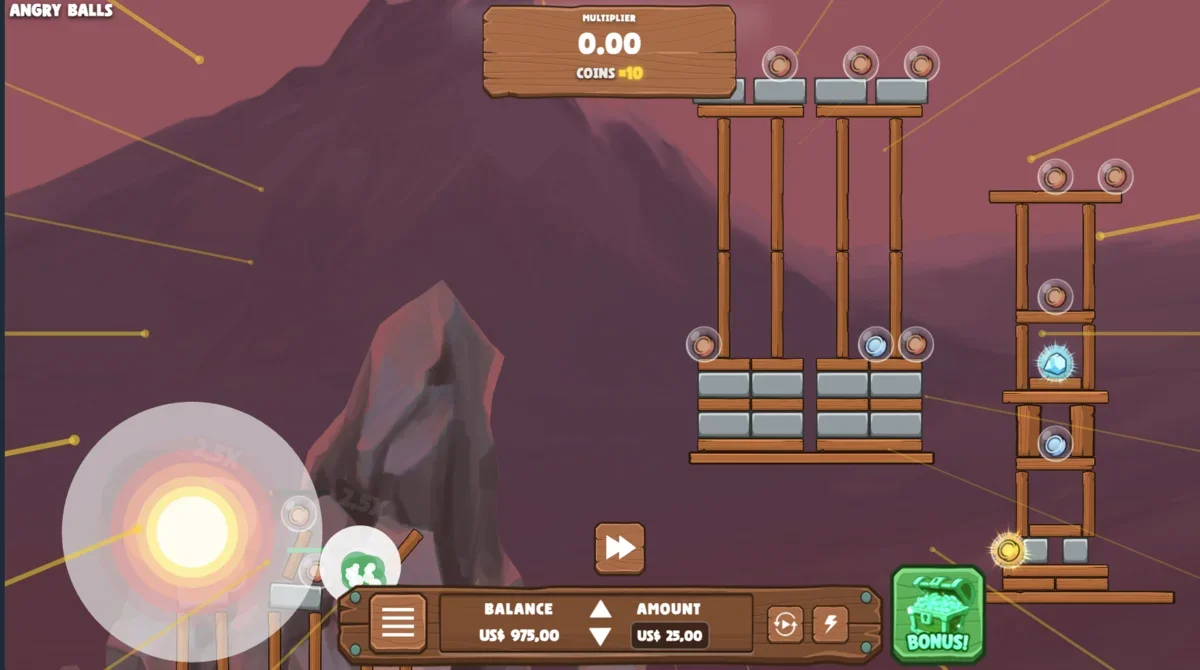
Option 1: Android (APK or Browser)
Option 2: iOS (PWA - Progressive Web App)
iOS doesn't allow casino apps in the App Store, so casinos use PWA (Progressive Web App) technology. This creates an app-like experience without App Store distribution.
Open Safari on Your iPhone/iPad
Visit the casino website in Safari (not Chrome or other browsers—PWA works best in Safari on iOS).
Tap the Share Button
Tap the Share button (square with arrow pointing up) at the bottom of Safari.
Select "Add to Home Screen"
Scroll down in the share menu and tap "Add to Home Screen". You can customize the name if desired.
Launch from Home Screen
Tap the new icon on your home screen to launch the casino PWA. It opens like an app, giving you access to Angry Balls and other games.
Why There's No App Store Version
Apple's App Store policies restrict real-money gambling apps. Casinos work around this by using PWA technology, which:
- Creates an app-like experience without App Store distribution
- Works through Safari (Apple's browser)
- Can be added to home screen like a native app
- Provides full functionality without App Store restrictions
PWA Benefits
- ✓ App-like experience (full screen, no browser UI)
- ✓ Fast loading and smooth performance
- ✓ Works offline for some features (though Angry Balls requires internet)
- ✓ No App Store restrictions
- ✓ Always up-to-date (no manual updates needed)
Option 3: Mobile Browser (Universal)
The simplest method that works on all devices: just visit the casino website in your mobile browser.
How It Works
- Open your mobile browser (Chrome, Safari, Firefox, etc.)
- Visit the casino website
- Log in to your account
- Navigate to the game library
- Find and launch Angry Balls
- The game loads directly in your browser
Advantages of Browser Method
- ✓ Works on all devices (Android, iOS, tablets)
- ✓ No installation required
- ✓ Always up-to-date
- ✓ No app permissions needed
- ✓ Simple and straightforward
Responsive Design
Modern casino websites are responsive, meaning they adapt to mobile screens. Angry Balls works well on mobile browsers with:
- Touch-optimized controls for launch mechanics
- Adaptive interface that fits mobile screens
- Full game functionality (all modes, powerups, features)
- Good performance on modern mobile devices
System Requirements
| Platform | OS Version | RAM | Storage | Browser |
|---|---|---|---|---|
| Android | Android 10.0+ | 2GB+ | 100MB free | Chrome, Firefox, or built-in browser |
| iOS | iOS 14.0+ | 2GB+ | 50MB free | Safari (recommended for PWA) |
| Tablets | Same as phones | 2GB+ | 100MB free | Any modern browser |
Performance Tips
- Close other apps: Free up RAM for smoother gameplay
- Use Wi-Fi: Stable internet connection improves performance
- Update your browser: Latest versions have better performance
- Clear browser cache: If experiencing lag, clear cache and cookies
- Disable battery saver: Battery saver mode can throttle performance
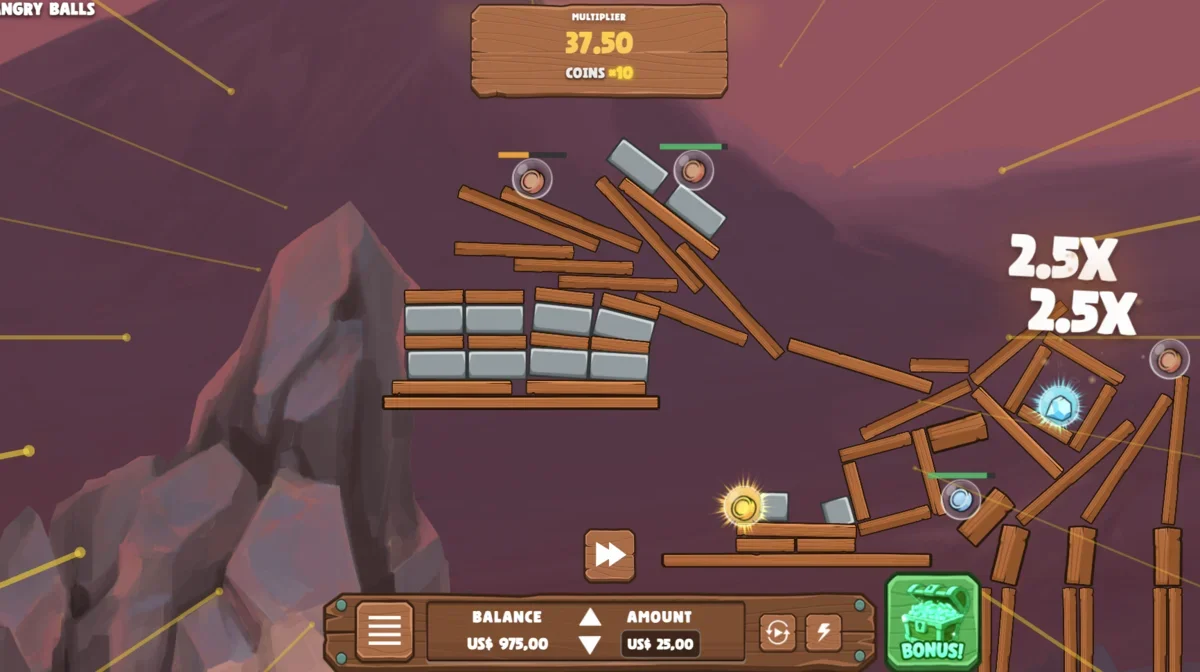
Mobile vs Desktop: Comparison
| Feature | Mobile | Desktop |
|---|---|---|
| Graphics Quality | Good (optimized for mobile) | Best (full resolution) |
| Convenience | ★★★★★ (play anywhere) | ★★★ (requires computer) |
| Battery Usage | Drains battery (intensive graphics) | N/A (plugged in) |
| Screen Size | Smaller (phone screens) | Larger (monitors) |
| Controls | Touch (drag and release) | Mouse (click and drag) |
| Performance | Good on modern devices | Excellent (more processing power) |
| Internet Required | Yes (always online) | Yes (always online) |
| All Features Available | Yes (all modes, powerups) | Yes (all modes, powerups) |
Troubleshooting Common Mobile Issues
Lag or Slow Performance
Possible causes:
- Insufficient RAM (close other apps)
- Slow internet connection (use Wi-Fi instead of mobile data)
- Outdated browser (update to latest version)
- Battery saver mode (disable it)
- Too many browser tabs open (close unnecessary tabs)
Solutions:
- Close background apps to free up RAM
- Switch to Wi-Fi for stable connection
- Update your browser to the latest version
- Disable battery saver mode while playing
- Clear browser cache and cookies
- Restart your device if problems persist
App Crashes or Freezes
Possible causes:
- Outdated casino app (update from official source)
- Incompatible device (check system requirements)
- Corrupted app data (reinstall app)
- Insufficient storage space (free up space)
Solutions:
- Update the casino app to the latest version
- Uninstall and reinstall the app
- Free up storage space (delete unused apps/files)
- Use mobile browser instead of app
- Contact casino support if issues persist
Login Issues
Possible causes:
- Incorrect username/password
- Account locked (too many failed login attempts)
- Browser cookies/cache issues
- VPN or proxy blocking access
Solutions:
- Double-check your login credentials
- Use "Forgot Password" to reset if needed
- Clear browser cookies and cache
- Disable VPN/proxy if using one
- Try a different browser
- Contact casino support if account is locked
Game Won't Load
Possible causes:
- Poor internet connection
- Browser compatibility issues
- JavaScript disabled
- Ad blocker interfering
Solutions:
- Check your internet connection (use Wi-Fi if possible)
- Update your browser to the latest version
- Enable JavaScript in browser settings
- Disable ad blockers temporarily
- Try a different browser
- Clear browser cache and reload
Frequently Asked Questions About Mobile Play
Is there a standalone Angry Balls app?
No. Angry Balls is a server-based game accessed through casino platforms, not a standalone app. You play it through casino apps or mobile browsers. There's no separate Angry Balls app in app stores. When you see "download APK" guides, they're referring to the casino's app, which gives you access to their game library including Angry Balls.
How do I play Angry Balls on Android?
You have two options: (1) Download the casino's Android APK from their official website (enable 'Unknown Sources' in settings), or (2) Visit the casino website in your mobile browser. Both methods give you access to Angry Balls. The browser method is simpler and doesn't require APK installation. Simply open your browser, visit the casino website, log in, and launch Angry Balls from the game library.
How do I play Angry Balls on iOS?
On iOS, visit the casino website in Safari, then use 'Share' → 'Add to Home Screen' to create a PWA (Progressive Web App) icon. This gives you app-like access without downloading from the App Store. There's no App Store version because Angry Balls is accessed through casino platforms, not as a standalone app. Alternatively, you can simply visit the casino website in Safari and play directly in the browser.
Is mobile play as good as desktop?
Mobile play is very good on modern devices. Graphics are optimized for mobile screens, touch controls work well for the drag-and-release mechanics, and all features (all game modes, powerups) are available. Desktop may have slightly better graphics and larger screens, but mobile offers convenience and portability. The game mechanics and RTP are identical on both platforms.
Can I use the same account on mobile and desktop?
Yes. Your casino account works across all platforms. You can log in on mobile, desktop, tablet—anywhere you access the casino. Your balance, bonuses, and game progress are synced across devices. Just log in with the same credentials on any device.
Do I need to download anything to play on mobile?
No, not necessarily. The simplest method is to visit the casino website in your mobile browser—no download required. Some casinos offer APK files (Android) or PWA (iOS) for app-like experience, but these are optional. The browser method works perfectly and requires no installation.
Next Steps